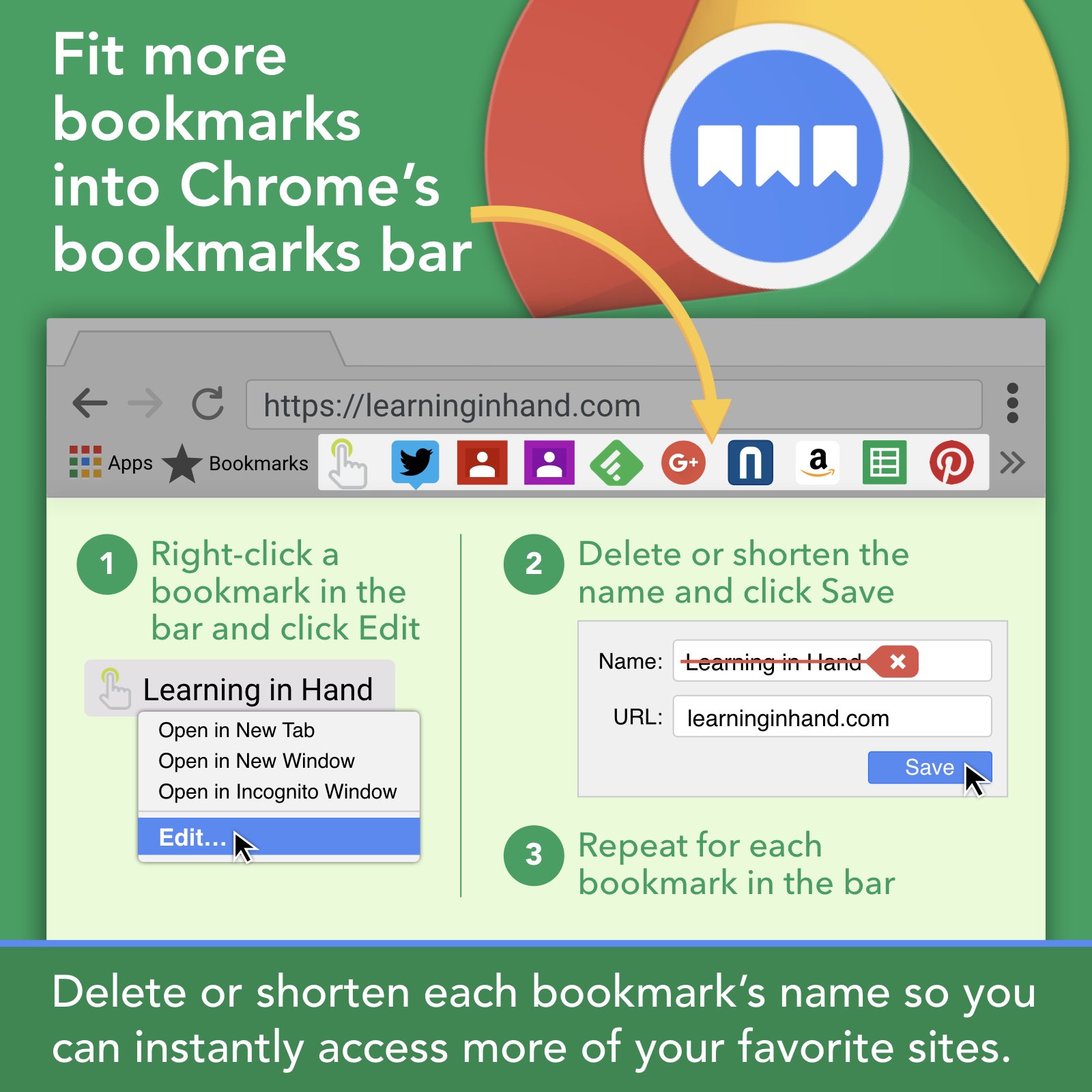
Tony Vincent has a GREAT suggestion for how to get more of your most-used bookmarks on the bookmark bar in Chrome.
- Make sure you're logged into Chrome (Settings)
- Edit the bookmarks (right-click on the bookmarks or use the Bookmark Manager)
- Remove (or severely shorten) the text
- Save
Read more.
Google pushes out updates every month or so. The most recent update included these gems:
- Sheets
gets loads of updates including macros, grouping rows and columns,
checkboxes, page breaks, and more - Resource Link, Resource Link
- New
option to insert Google Slides into a Google Doc - Resource Link
- Google
Slides gets guides and rulers - Resource Link
- Google
Sheets gets updates for more options for chart data labels - Resource Link
- Google
Earth adds quiz format to Voyager content with Natural Wonder quiz - Resource Link
Enjoy!
When you have some down-time this summer, take a look through the 2018 Honor Roll: Ed-tech's Must-Read K-12 IT Blogs. If you find something you like, look for subscription information. On most sites you can sign up for email notifications or RSS feeds. There's some good stuff out there!
If what you learn is in line with your T-TESS goals, keep track of what you do and that can be documented as professional learning through Strive.
As the end of the school year approaches, if you use Google Classroom, you should consider how you want to clean it up to prepare for next year. Eric Curts at Control Alt Achieve put together this list of 6 End-Of-Year Google Classroom Clean-up Tips.
Students Googling answers is a world-wide issue. Take a look at this publication from Government of South Africa’s Department for Education and Child Development on creating non-Googleable questions. Take a look through the whole thing. There's some good stuff in there!
This summer you might be planning on a trip that includes time in the outdoors. If so, check out iNaturalist, an online community for sharing pictures and observations of animals and plants. Take pictures of your findings and post them to their collection. You can also explore through their free app (iTunes, Google Play). Enjoy your summer as a Citizen Scientist!
As students work on multimedia assignments they could likely be in need of music or sound effects to enhance their work. Here are a few resources:
Keep in mind that background music is not covered under Fair Use when you're using copyrighted music, like songs you purchased. Instead, stick to audio found through the resources above or what is already included in the editing software/website/app that you're using.
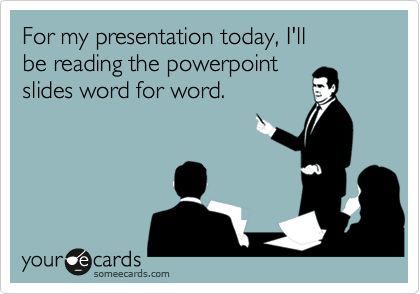
As a part of preparing our students for the world they are headed into, we should teach them how to make GOOD presentations. Slides full of text = BAD presentations!
Tips for most presentations:
- Use as little text as possible- tell us what we should to know
- No sentences (or nearly sentences), unless it's a quote- if we read it, we won't remember any of it
- Make images as large as possible
- Use a single large image instead of multiple small ones
- If using note cards, they should be in bullet point format and not scripted
- PRACTICE!!!!
Resources:
For Teachers:
To make it easier to grade, have students create and turn in 2 products:
- a Google Slides presentation (based on the tips above) that will be presented live in class, and
- a Google Doc that includes all of the content, research, sources, etc. that you're looking for in the rubric. You can quickly grade the content from that Google Doc and the audience won't be bored to tears with a bad classroom presentation.
Please see your DLC (Penney Matos at CHS) for additional tips and support!
Google is shutting down their URL shortener, goo.gl. Read more. Instead, use one of these alternatives: