Monday, November 28, 2016

11 Tips for Keeping Up with Technology


With the ever changing world of technology, it's hard to keep up. Mindshift recently tweeted this graphic with tips. Take a look!

What is a Twitter Chat anyway?


The evening of Wednesday, November 16, Frisco ISD held our first ever Twitter Chat under the hashtag #FISDchat. With over 50 participants for our first attempt, it was pretty successful. The discussions were great between the professionals who contributed but Centennial HS didn't have much representation. There will be more Twitter Chats later this school year. We'll send out the schedule once it's set.

What is a Twitter Chat?
Twitter chats, sometimes known as a Twitter party or a tweet chat, happen when a group of people all tweet about the same topic using a specific hashtag (#) that allows it to be followed on Twitter. The chats are at a specific time. 

Do you have to participate or can you just watch?
You don't have to participate but often as discussions progress you'll likely feel the urge to share your own thoughts and experiences. Set up a Twitter account and handle beforehand, just incase you want to contribute.

Resources. These may help you prepare for the next #FISDchat...

As always, you can ask me any questions you may have!

Monday, November 7, 2016

eSchool Gradebook Indicators


If you haven't clicked on the indicators in your gradebook, you should. In my opinion, the "Student was absent this day" indicator is probably the most useful. Click on these in your gradebook and see what they do!

Monday, October 24, 2016

New Google Features


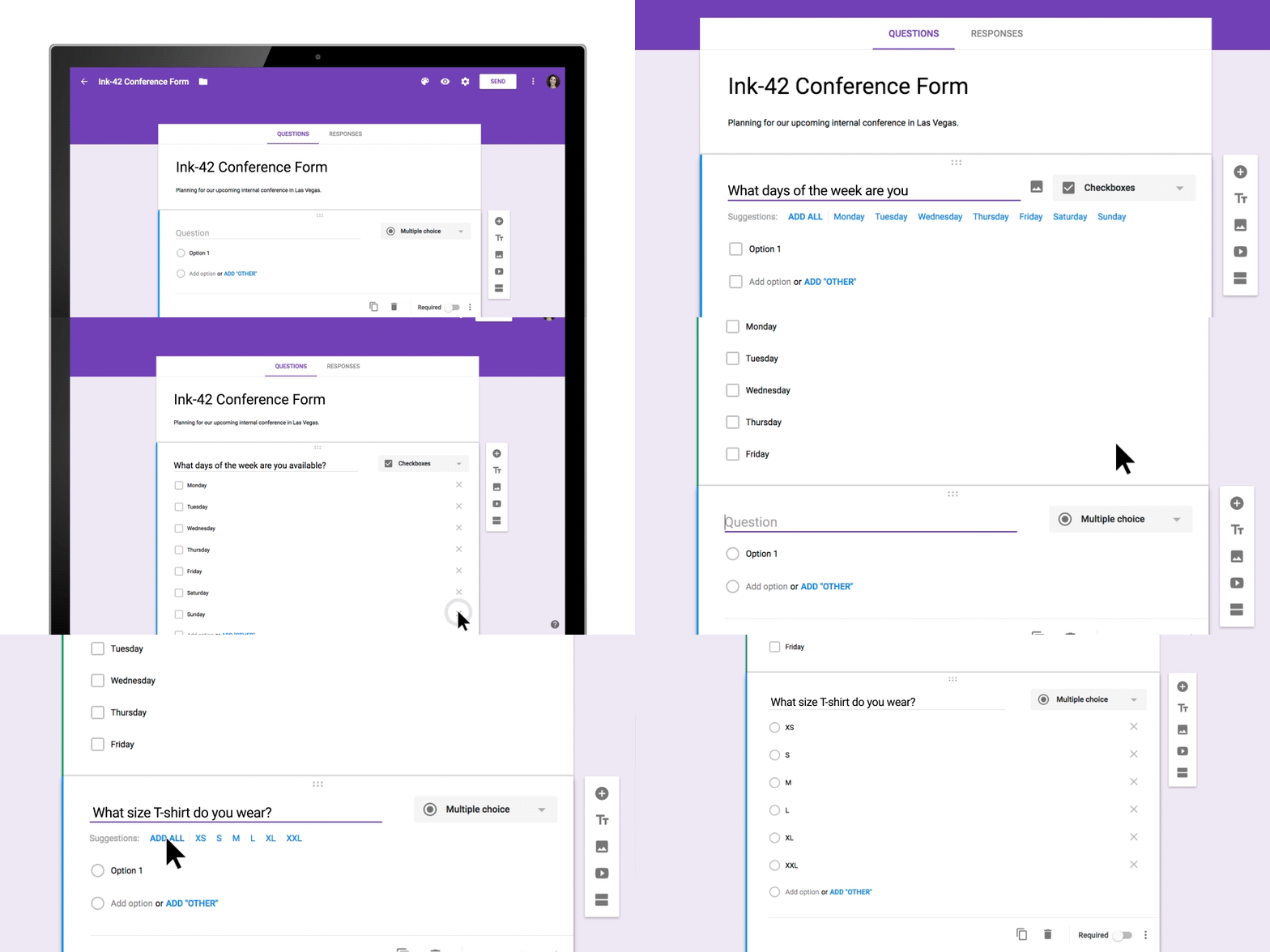
Google has rebranded Google Apps for Education (GAFE) as G Suite. Along with that recent change, last week they added a few more features to Google Docs and Google Forms. Read more

Google Docs Add-on: Writing Reviser


It is always helpful to get a second set of eyes to look over your writing. This might include peer review, teacher feedback, or even a text to speech tool to hear your words read back aloud to you. One other helpful tool is the SAS Writing Reviser Add-on. When you run this tool you can choose from 25 different tests that will check over your document. These include tests in sentence economy, sentence variety, sentence power, sentence clarity, and more. This can be helpful to give students additional insight into their writing and some possible corrections or improvement they may make when revising.

To add an Add-on:
Open a Google Drive Doc and select Add-ons.  Then search for SAS and add. J

Monday, October 10, 2016

Common Sense's Top EdTech Eleven


Common Sense publishes a Top EdTech Eleven list and updates it often. Check it out to see what they say is the best of the best in the world of EdTech.
If you have any questions or want someone to investigate with you, please contact your DLC, Penney Matos!

Monday, October 3, 2016

Math and Logic Problems

Check out this list of Math and Logic Problems. It covers puzzles for kids through mathematician. 

MS Office: Save to Drive


For an easy way to save from MS Office (Word, PPT, Excel) directly to Google Drive, install this add-on. A "Google Drive" tab will install on the ribbon and it will ask to connect to your Drive account. 

Uploaded files will remain in their original format until you tell it to open in the Google equivalent.


NOVA's School of the Future


4 O'Clock Faculty recently posted about this NOVA show on the School of the Future. It looks worth checking out. Read more about it from 4OCF.